MyAgentChromeExtension for Chrome
apps.puliyal.com · Google Chrome Extension Suite
← Back to App Hub
● Chrome Manifest V3 · Web Store Package & Developer Hub

MyAgentChromeExtension for AI Coding Agents

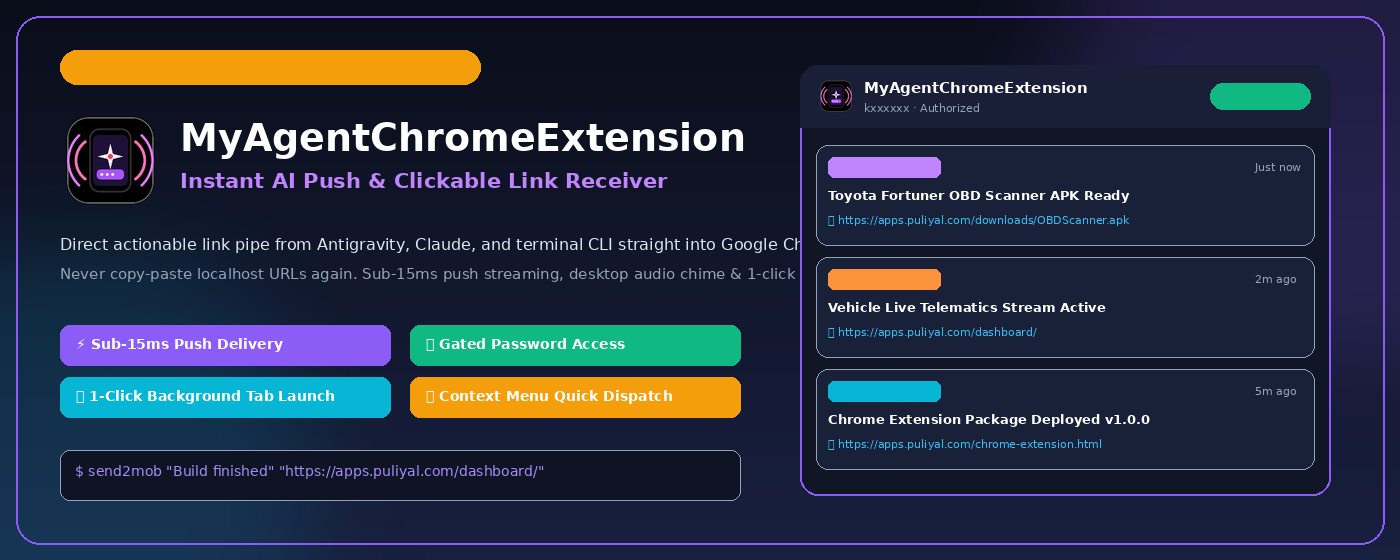
Desktop extension companion to Agent Mobile. Receives instant notifications, clickable preview links, and build alerts from Antigravity, Claude, and terminal CLI with sub-15ms push delivery straight into your Chrome toolbar.

Instant Link Pipe for Google Chrome

Never switch windows or manually copy-paste localhost URLs again. Whenever an AI agent completes a task, builds an APK, or spins up a website, it pushes the actionable link to Chrome with audio chime, badge count, and 1-click tab launch.
Version 1.0.0 · Size: ~40 KB · Compatible with Chrome 116+, Brave, Edge & Chromium
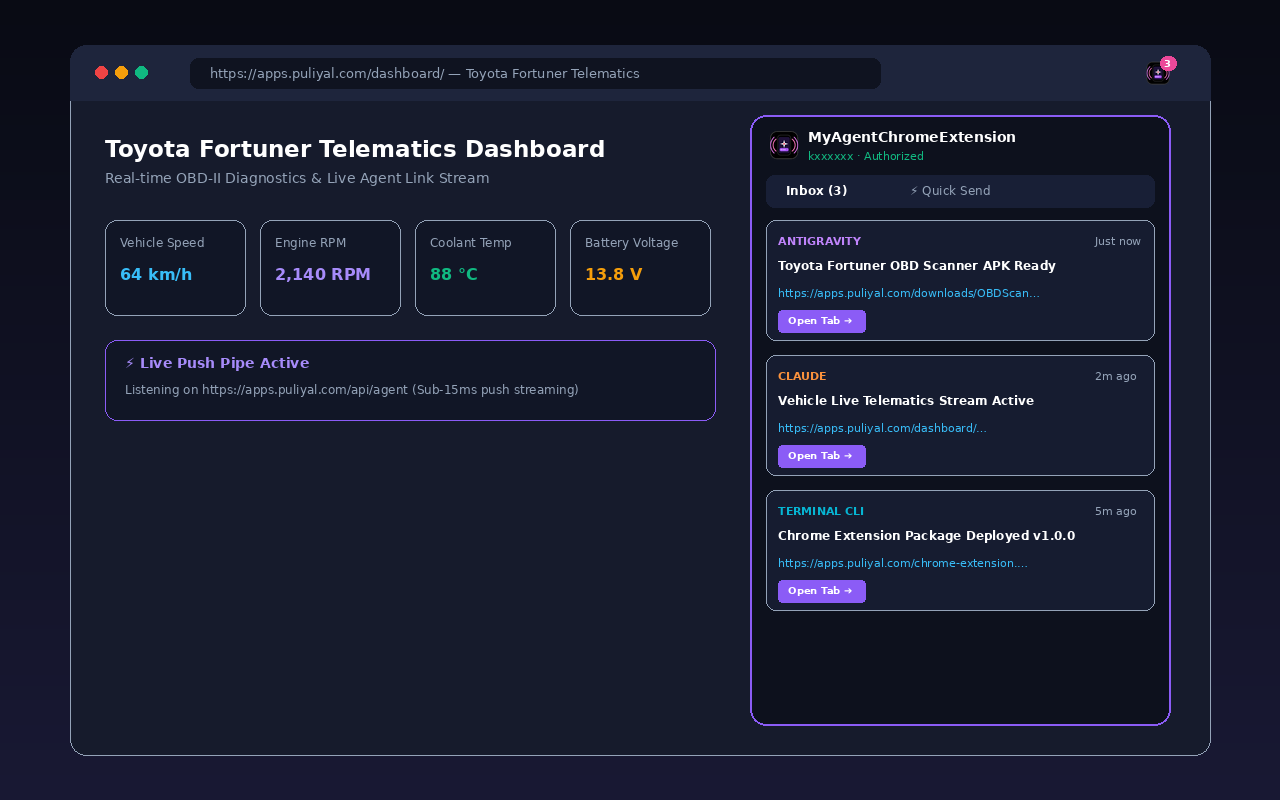
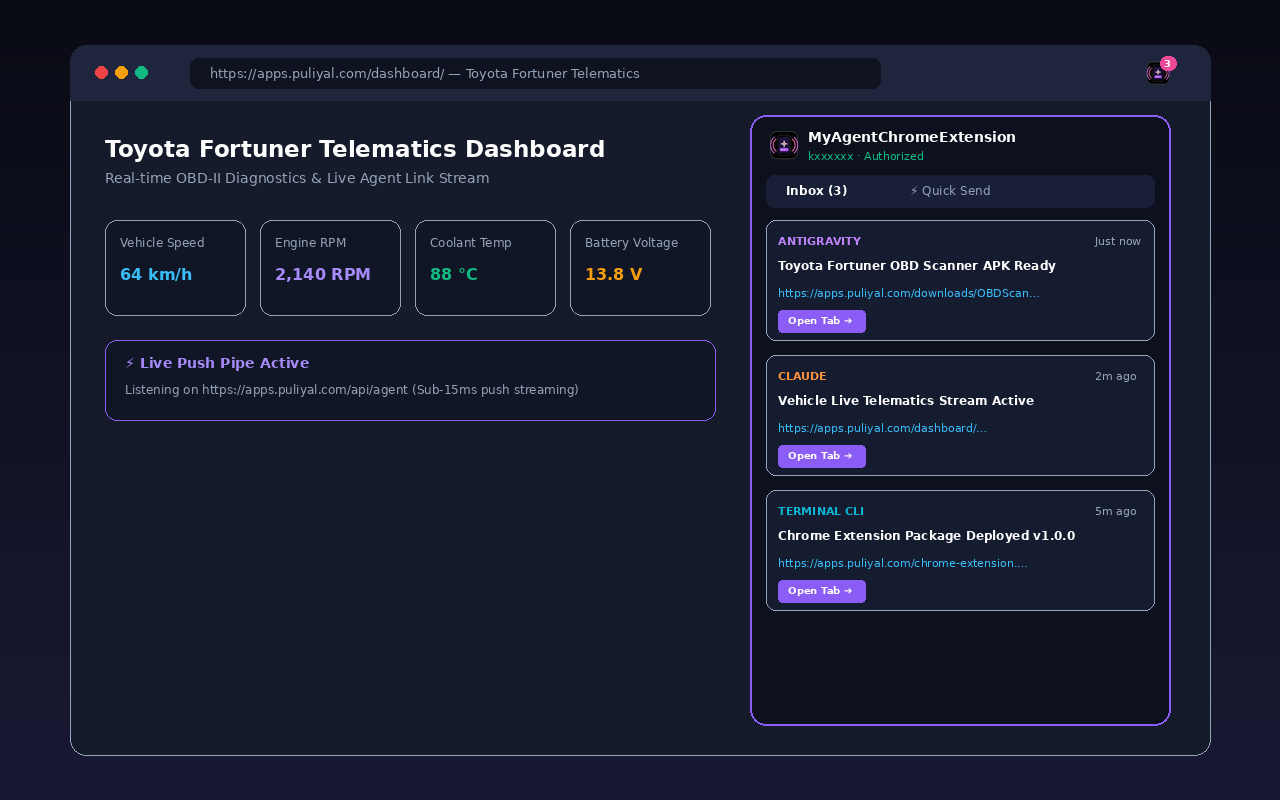
Extension Mockup Preview

1. 30-Second Developer Mode Installation

How to install in Google Chrome right now without waiting for Web Store review:

1

Download & Unzip

Download MyAgentChromeExtension.zip and extract it into a folder on your computer.

2

Open Extensions

In Google Chrome, navigate to chrome://extensions or click Menu > Extensions > Manage.

3

Enable Developer Mode

Toggle the Developer mode switch in the top-right corner of the Extensions page.

4

Load Unpacked

Click Load unpacked, select your extracted folder, and pin the icon to your toolbar!

2. Chrome Web Store Deployment Package

Everything prepared and formatted for the Google Chrome Web Store Developer Console:

All required assets, high-res icons, promotional store tiles, and permission justification statements have been packaged into the repository:
Store Icon 128x128

Store Icon

128 × 128 px · Official Web Store App Icon Download 128x128 PNG
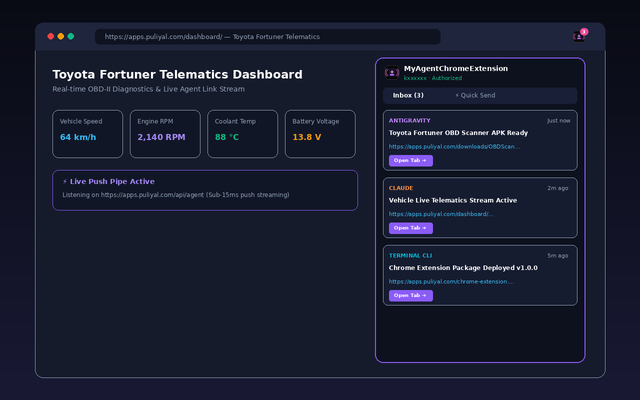
Store Screenshot 1 — Live Telematics & Push

Screenshot 1 (Inbox Stream)

1280 × 800 or 640 × 400 px · High-Res Mockup 1280x800 640x400
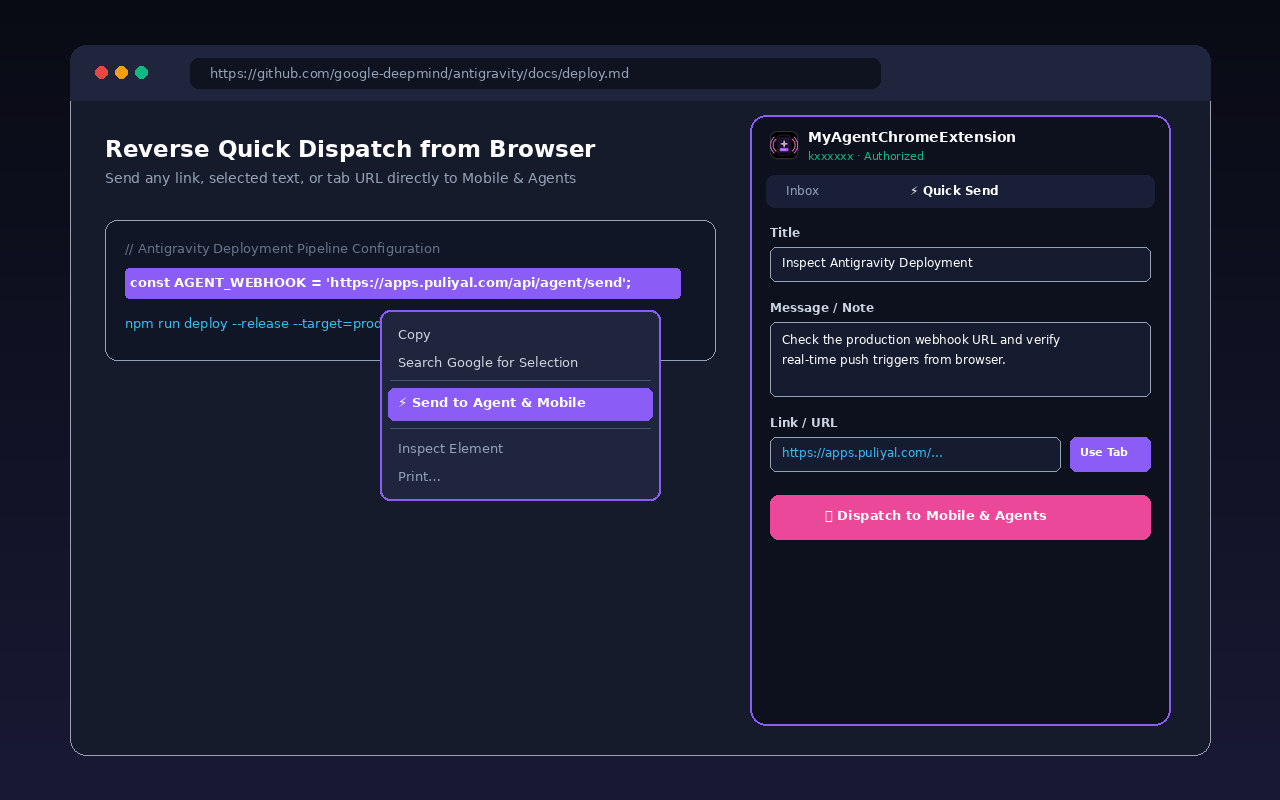
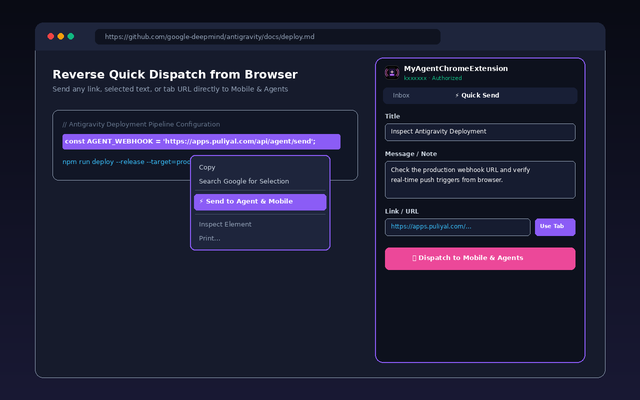
Store Screenshot 2 — Reverse Quick Send

Screenshot 2 (Quick Dispatch)

1280 × 800 or 640 × 400 px · Context Menu & Send 1280x800 640x400
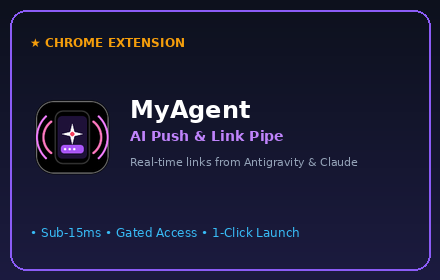
Small Promo Tile

Small Promo Tile

440 × 280 px · Chrome Web Store Grid Download 440x280
Marquee Promo Banner

Marquee Promo Tile

1400 × 560 px · Chrome Web Store Featured Placement Download 1400x560

A. Store Listing Copy (Tab 2)

Extension Name: MyAgentChromeExtension
Short Name: MyAgent
Summary / Short Description: Receive instant links, notifications, and code commands directly from AI coding agents (Antigravity, Claude) in Google Chrome.
Detailed Description: (Full Features, Key Capabilities, How-to-use, and Specs)
⚠️ Resolving Chrome Console: "Due to the Host Permission, your extension may require an in-depth review"

Google requires explicit justification for any external server access. In your Chrome Developer Console under Privacy practices ➔ Host permission justification, paste the verified statement below explaining that access is restricted to your private self-hosted notification server with zero tracking of user browsing data.

B. Privacy Practices & Permission Justifications (Tab 4)

Single Purpose Description: Receive and dispatch real-time build notifications, preview URLs, and code commands between authorized AI coding assistants (Antigravity, Claude, CLI) and Google Chrome.
Host Permission Justification (https://apps.puliyal.com/*): Required solely to communicate with the user\'s self-hosted notification hub at https://apps.puliyal.com/api/agent/. The extension fetches push alerts dispatched by AI agents and sends reverse quick-dispatch messages over encrypted HTTPS. It does not inspect, read, or transmit any web browsing history, cookies, or content from other websites.
Permission 'notifications': Displays native Chrome desktop notifications when an AI coding agent sends a task update, build link, or mobile dispatch.
Permission 'storage': Locally stores authentication state, unread badge counter, and recent message history (up to 60 items) using chrome.storage.local with zero cloud sync.
Permission 'alarms': Schedules low-power background synchronization pulse checks every 30 seconds to fetch new agent messages in the Manifest V3 service worker.
Permission 'contextMenus': Adds a right-click browser menu item ('⚡ Send to Agent & Mobile') allowing developers to quickly forward selected code snippets or URLs to mobile devices and agents.
Permission 'tabs': Allows opening actionable preview URLs received from AI agents in new browser tabs upon click, and queries the active tab\'s URL when clicking \'Use Tab\' in Quick Send.
Privacy Policy URL: https://apps.puliyal.com/privacy-policy.html

C. Data Usage Declarations (Console Form Checklist)

• Personally identifiable info: YES (Email for private hub login only)
• Authentication info: YES (Password for private hub login only)
• Web history: NO (Zero browsing history tracked)
• User activity: NO (Zero telemetry or analytics)
• Location: NO
• Financial info: NO
• Health info: NO
• Website content: NO
🚀 Open Google Chrome Web Store Developer Console ➔ 📄 View Live Privacy Policy ➔

3. Live Push Test to Chrome Extension

Dispatch a test message right now to test your installed Chrome extension and mobile app:

4. Privacy Policy & Single-Purpose Compliance

Google Chrome Web Store single-purpose and privacy certification:

Single Purpose Statement: MyAgentChromeExtension serves the sole purpose of receiving and dispatching real-time notifications, preview links, and commands between authorized AI coding agents and the Google Chrome browser.
Data Privacy: The extension does NOT track browsing history, sell data to third parties, or use analytics trackers. All communication is routed securely via your own authorized server endpoint (apps.puliyal.com) using encrypted HTTPS.